
AI Image Upscaler
Upscale your images to 2K or 4K resolution with advanced AI technology. Enhance image quality while preserving details.
Upscale Your Images Now
Upload your image and choose 2K or 4K upscaling. Our AI will enhance resolution while maintaining quality.
Model Settings
Your upscaled image will appear here
Upload an image to see the AI upscaling magic
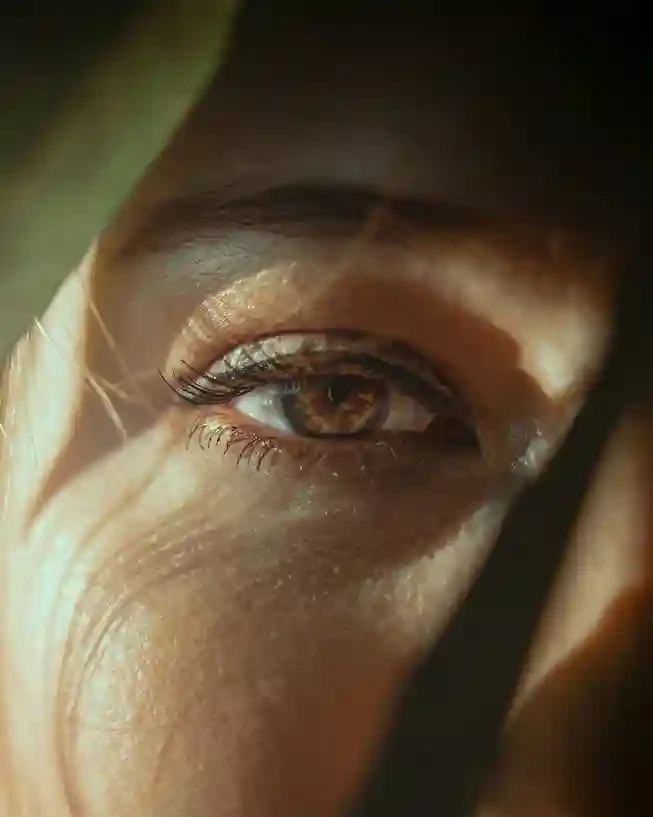
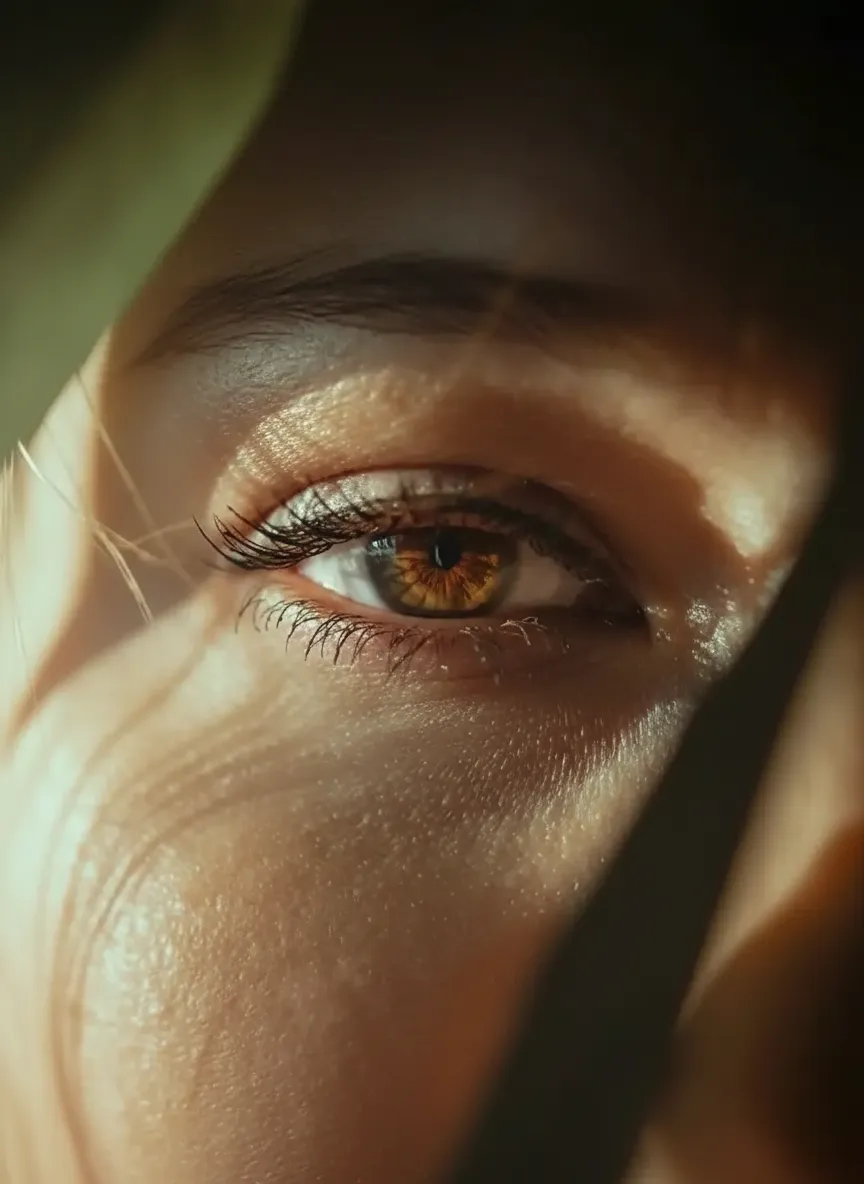
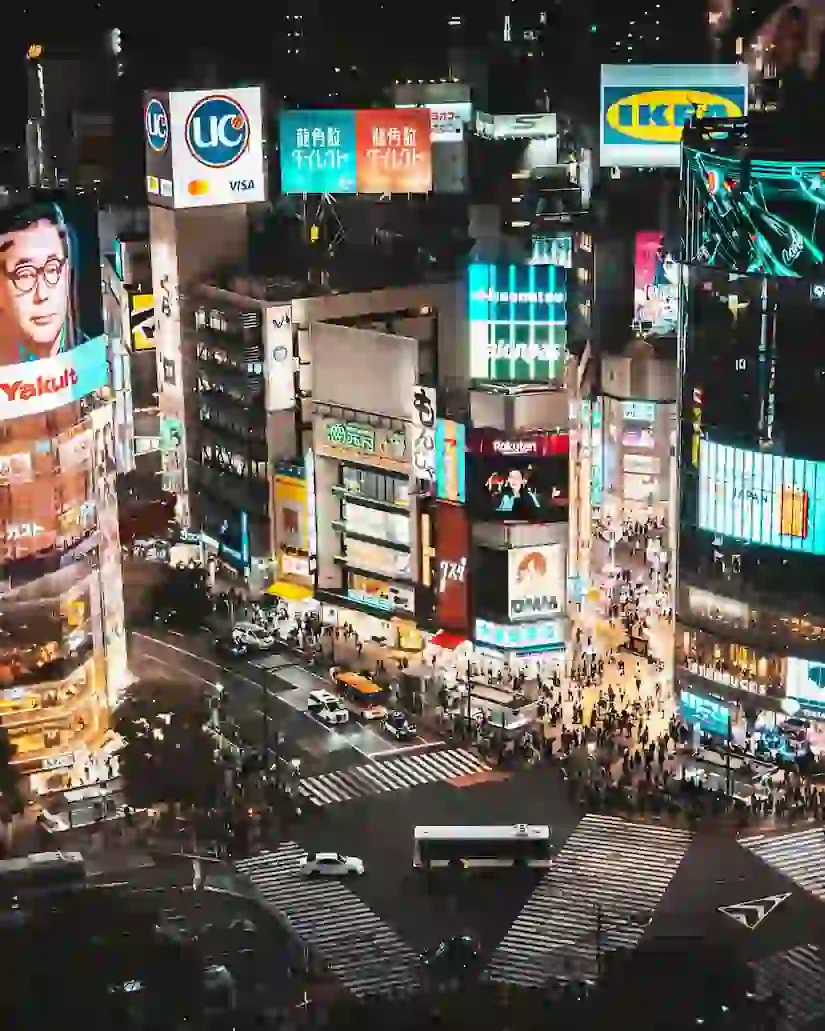
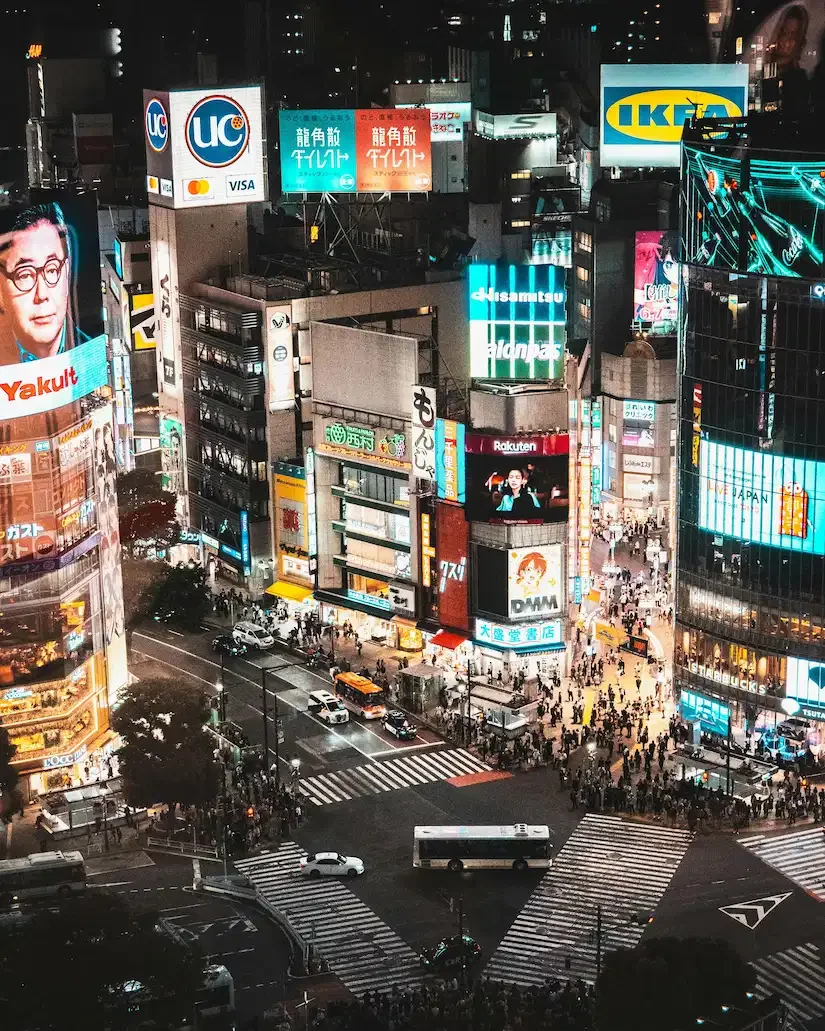
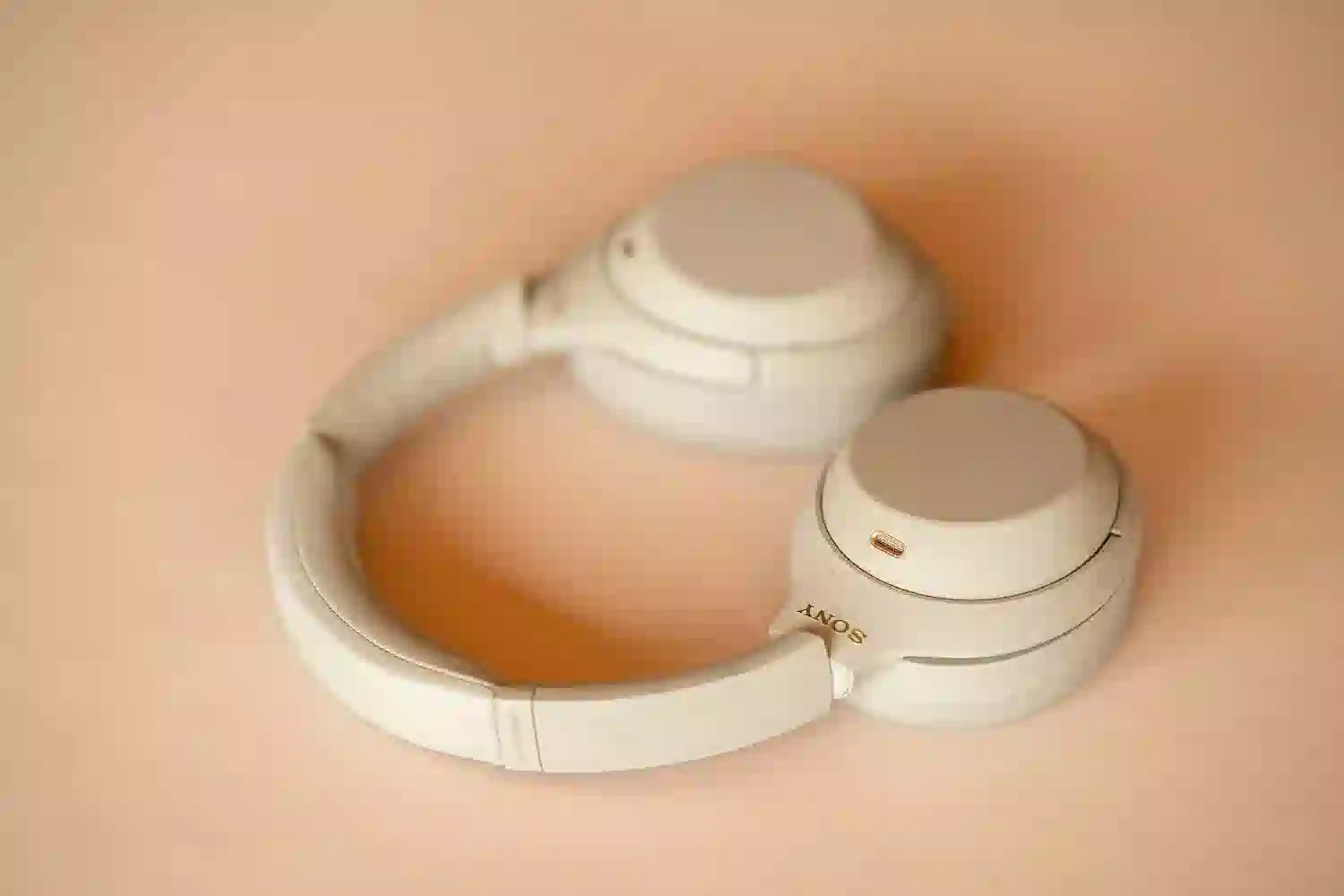
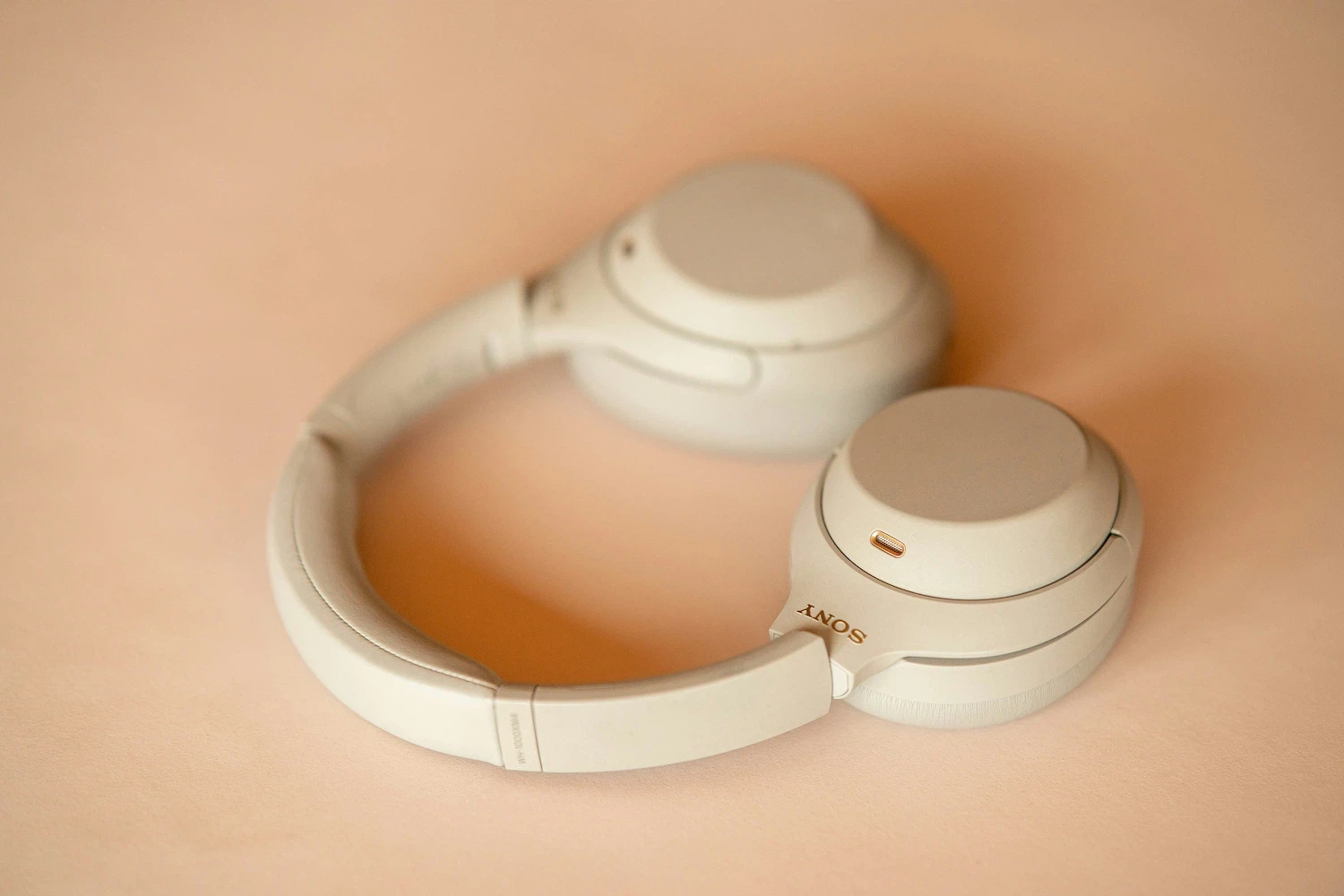
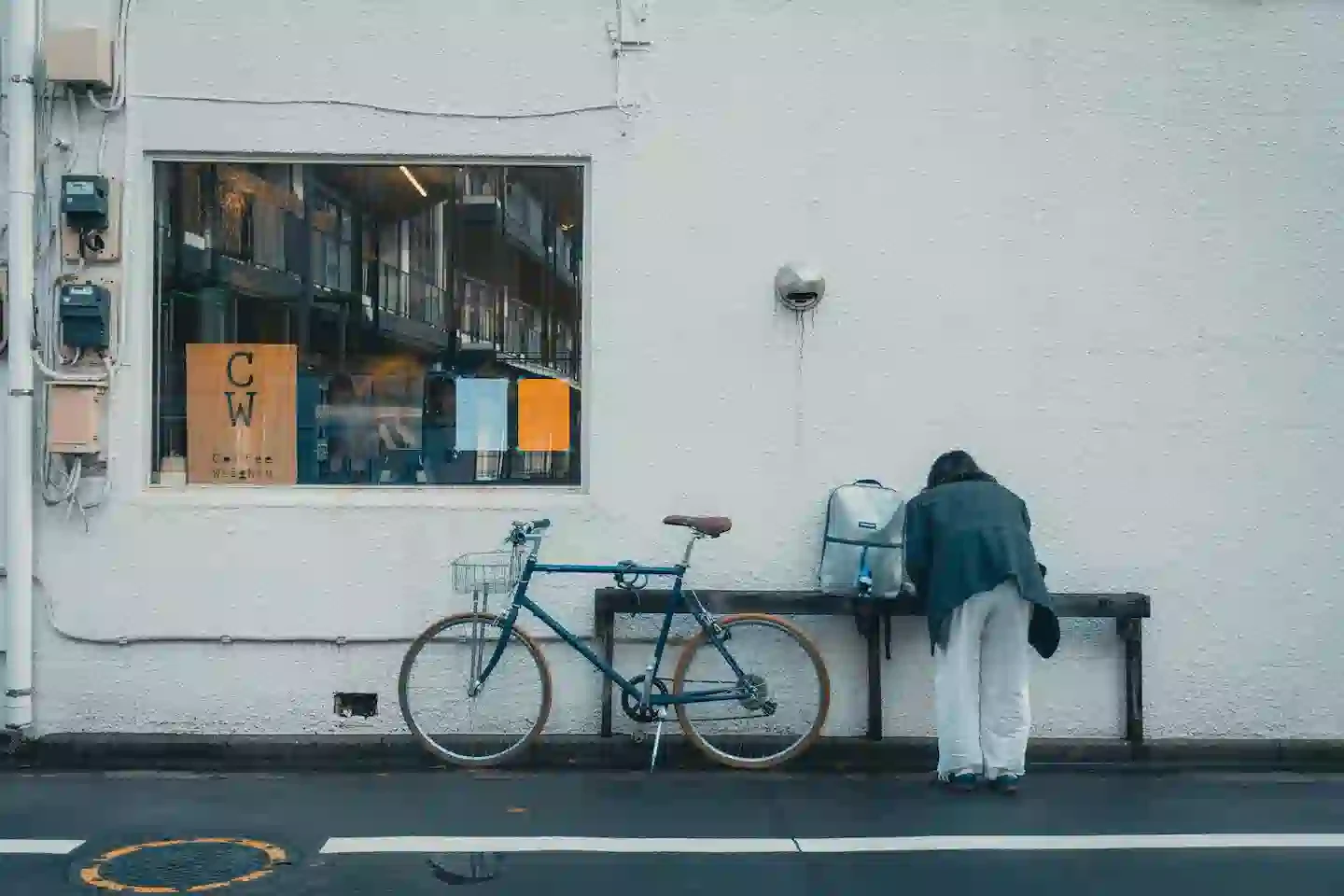
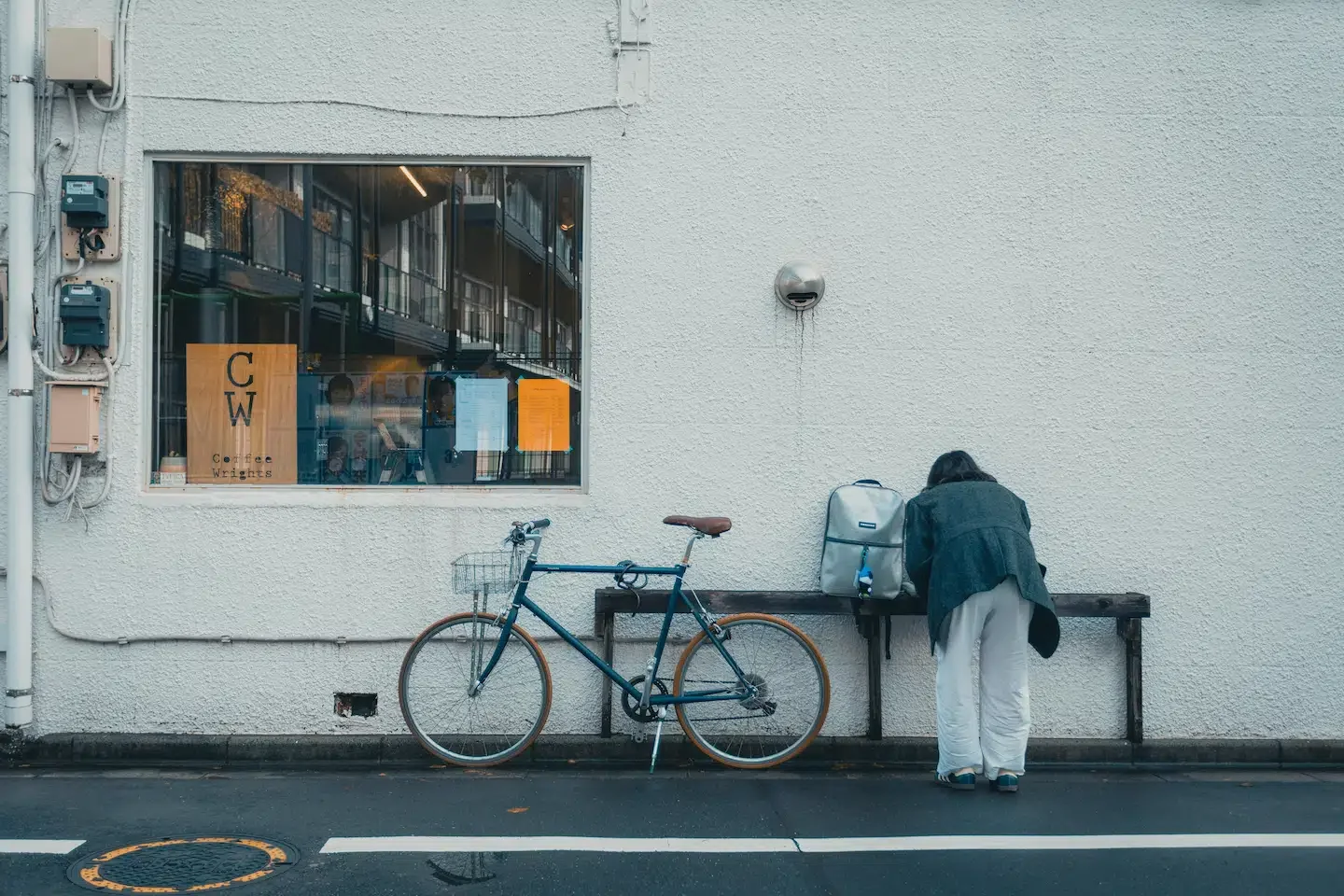
What is Image Upscaler?
Image Upscaler uses advanced AI technology to increase image resolution without losing quality. Unlike traditional upscaling methods that simply stretch pixels, our AI analyzes and reconstructs image details, textures, and edges to produce sharp, high-resolution results. Perfect for photographers, designers, and anyone who needs high-quality images.
Key Features
Why choose our AI Image Upscaler
Smart AI Upscaling
Advanced machine learning algorithms intelligently enhance image resolution by analyzing and reconstructing details.
2K & 4K Support
Choose between 2K and 4K output resolutions to match your project requirements.
Quality Preserved
Maintain sharpness, clarity, and fine details during the upscaling process.
Fast Processing
Quick turnaround times with efficient AI processing optimized for various image types.
Image Upscaler Showcase
See the difference with our AI-powered upscaling
Portrait Enhancement
Upscale portrait photos while preserving facial features and skin textures. Perfect for professional photography.
Artwork & Illustrations
Enhance digital art and illustrations with sharp lines and vibrant colors at higher resolutions.
Product Photography
Improve product image quality for e-commerce. showcase products in stunning 4K detail.
Vintage Photo Restoration
Breathe new life into old photos by upscaling them to modern high-resolution standards.
How It Works
Three simple steps to high-resolution images
Upload Image
Upload your low-resolution image
Choose Resolution
Select 2K or 4K output
Download Result
Get your upscaled high-quality image
Why Choose Our Image Upscaler
Professional Quality
AI-powered upscaling maintains sharpness and detail for professional results.
Easy to Use
Simple upload-and-upscale process. No technical skills required.
Multiple Resolutions
Choose 2K or 4K based on your specific needs.
Fast & Secure
Quick processing with secure cloud-based technology.
Frequently Asked Questions
Can I use upscaled images for commercial purposes?
Yes, all upscaled images can be used for commercial projects including marketing materials, product displays, and client presentations. You own full rights to the output.
Can I share upscaled images on social media?
Absolutely! Upscaled images are perfect for social media platforms, blogs, and websites. The high resolution ensures your content looks professional across all channels.
What if I'm not satisfied with the upscaled result?
We strive for quality. If the result doesn't meet your expectations, you can try adjusting the input image or selecting a different resolution. For persistent issues, contact our support team.
What image formats are supported?
We support common image formats including JPG, PNG, WebP, and more. Simply upload your image and our AI will process it.
How long does upscaling take?
Processing time varies based on image size and selected resolution. Typically, upscaling completes within 1-3 minutes. You can monitor progress in real-time.
Will the upscaled image lose quality?
No, our AI is designed to enhance and reconstruct details during upscaling. The result maintains or improves image quality compared to the original.
Is there a file size limit?
Yes, there's a maximum file size limit for uploads. Check the upload area for specific limits. For best results, use reasonably sized images.
Can I upscale multiple images at once?
Currently, we process one image at a time to ensure optimal quality. For batch processing needs, please contact our enterprise team.
Start Upscaling Your Images Today
Transform low-resolution images into stunning high-quality visuals with AI-powered upscaling.